
Game photos into pro posters, in under a minute.
Pick up to 10 photos from the weekend. Sideline Studio finds your player, cuts them out and gives every photo its own poster, looping video or carousel slide, sized for Instagram and TikTok. Then one tap to share.

 Free to start · no sign-in needed
30 seconds · press play for sound

Your best shots deserve better than the camera roll.
You took 200 photos from the sideline. Turning the good ones into something worth posting usually means an hour in a design app. Sideline Studio does it before you're out of the parking lot.
Camera roll to posted, in three taps.
No design skills, no layers. Sensible defaults you can change if you want to.
Pick your photos
Choose up to 10 from Photos, Files or Google Drive, or paste one in. Confirm who's in them: name, number, club.
Tap ✨ Auto
It finds your player in every photo, cuts them out and gives each one a matching poster with its own twist, so a carousel never looks copy-pasted.
Share
Stills or six-second looping videos, sized for Instagram posts, Stories, Reels or TikTok, straight to the share sheet.
Made in Sideline Studio, all from one photo.
Every hype card below came from the same ordinary game photo, in a few seconds each. Pick a design, a color and a background, or tell ✨ Auto what the post is for and it makes the set.
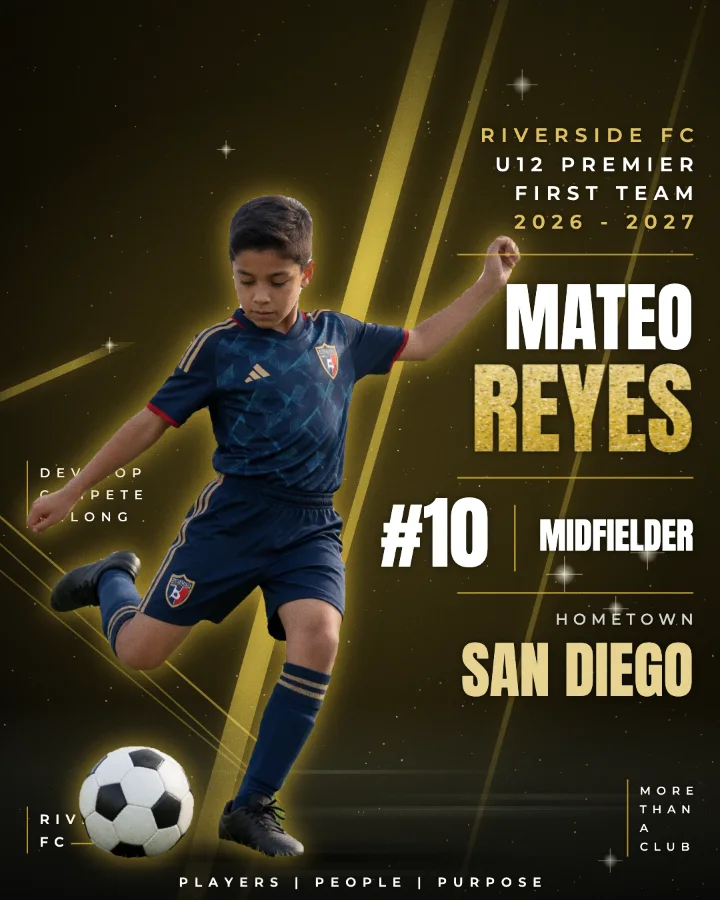
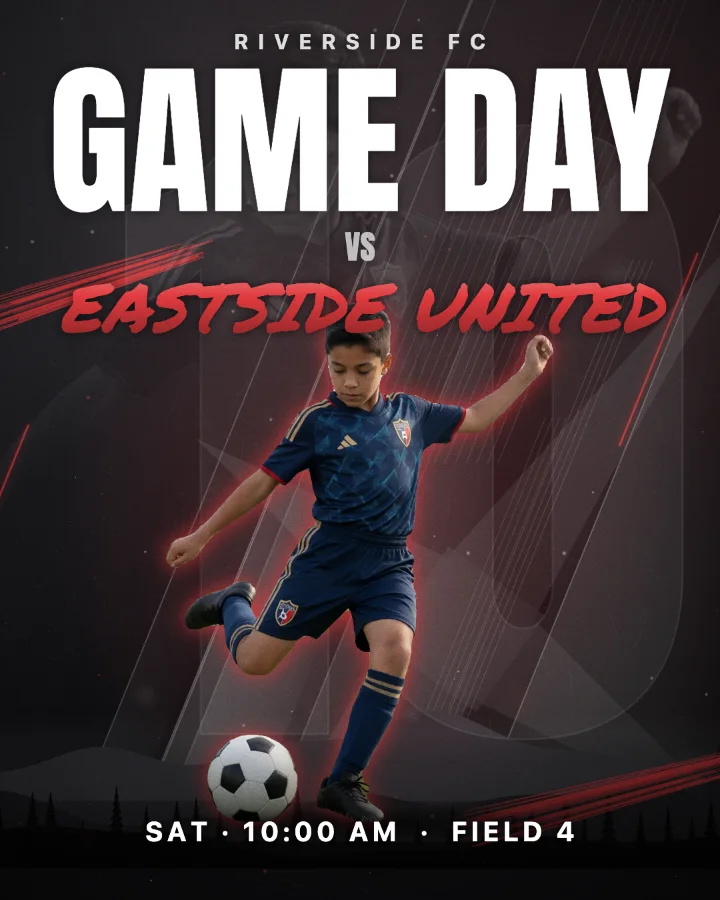
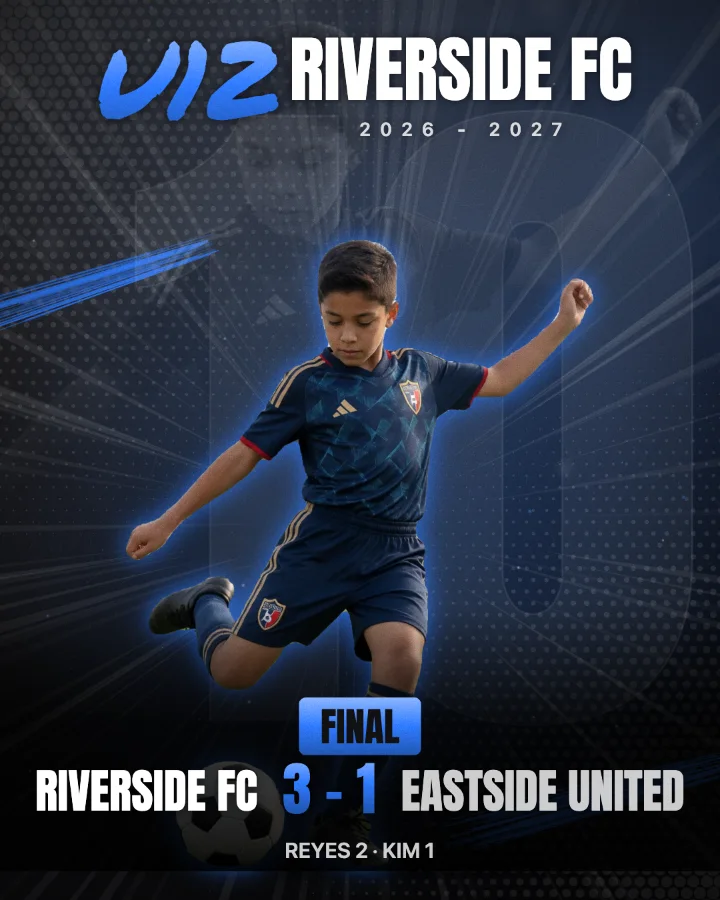
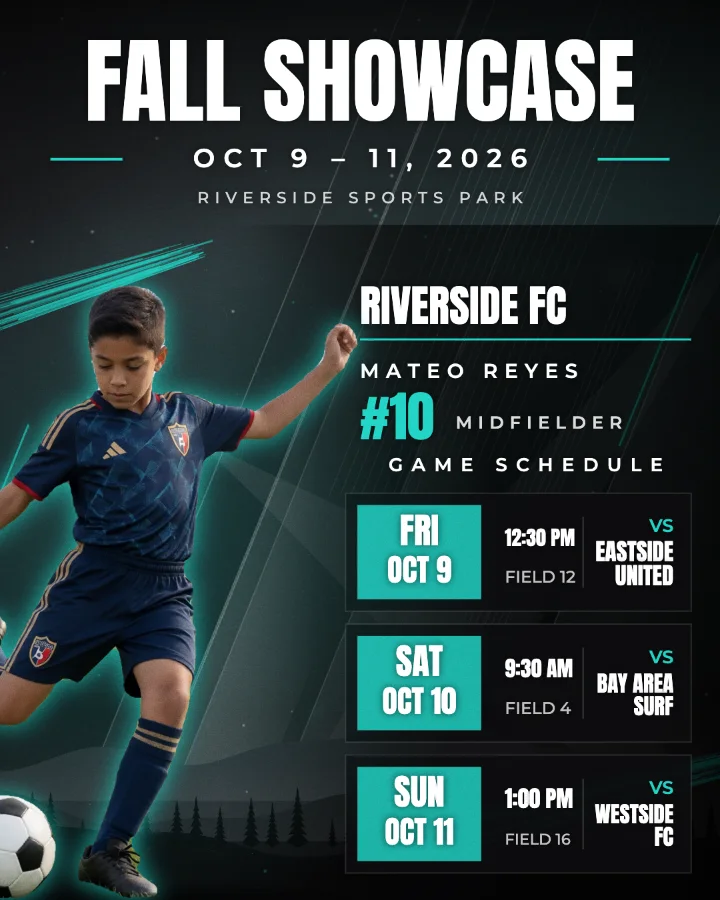
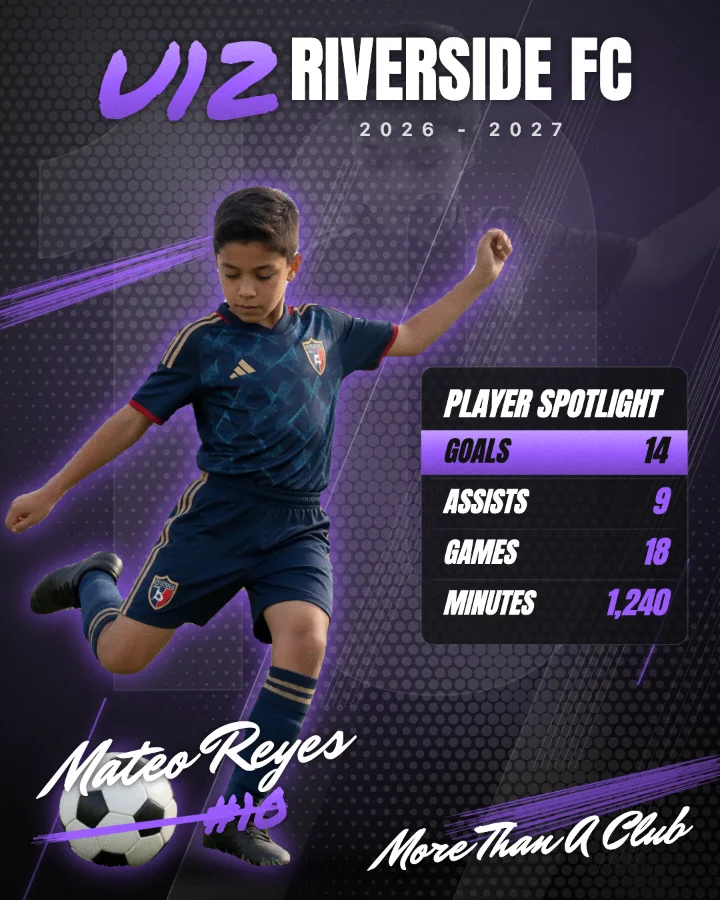
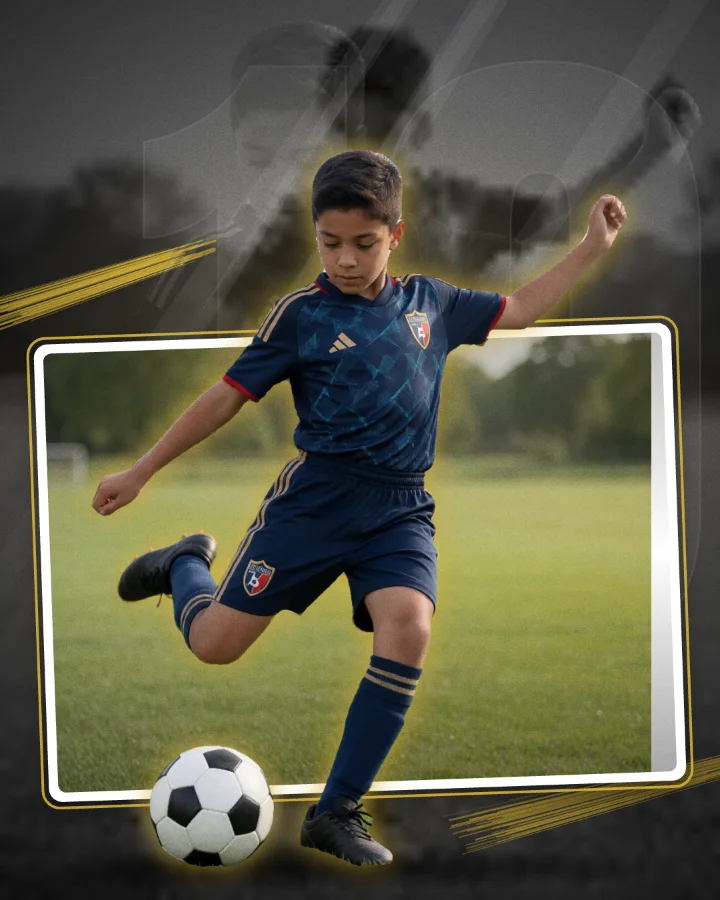
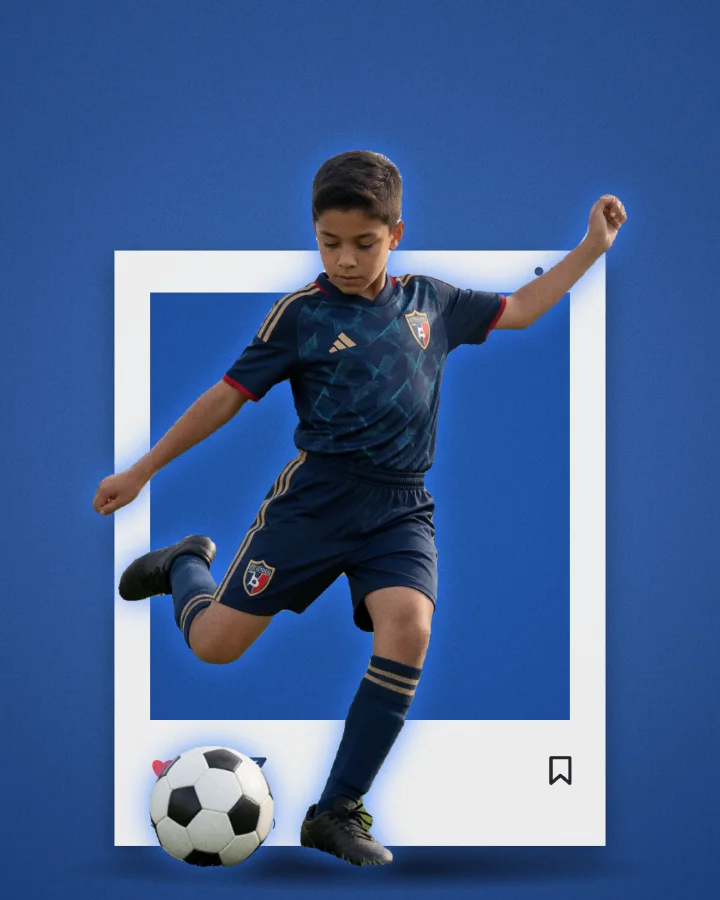
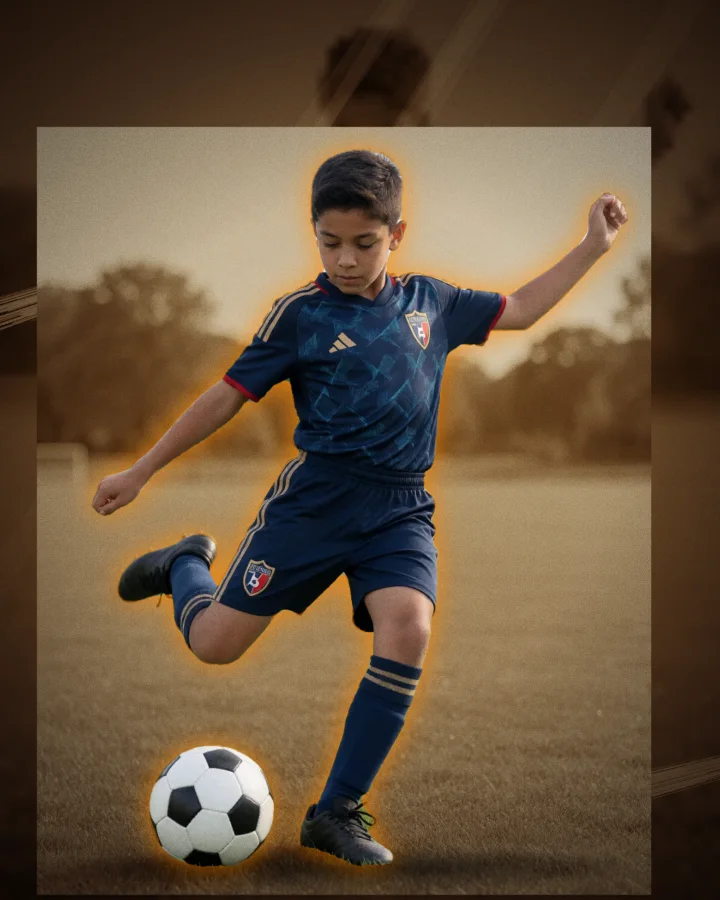
Everything a game-day post needs.
Looping videos
Turn a poster into a six-second loop: depth, text that slides in, glitter, shine or moving lines. Made for Reels and TikTok.
10-photo carousels
Style one photo and apply it to all, or let ✨ Auto vary each one. Then share the whole set at once.
Ghost & big number
A faded copy of your player and their jersey number behind them. Move, resize or turn them off.
Text that fits
Names, scores and dates in sports fonts, sideways if you like, with templates that fill in from your player's profile.
Your club's logo
Add your club's crest as a sticker you can move, resize and rotate, with a die-cut border or a glow.
Looks for game light
One-tap filters made for bright fields and dim gyms, so every photo in a carousel matches.
Your kid's photos never leave your phone.
Every cut-out, poster and video is made on your own device. Nothing is uploaded to us or to an AI service, and nothing is ever posted for you.
Try everything free for 7 days.
One plan unlocks every design, video and ✨ Auto, on your phone and on the web.
Monthly
- ✨ Auto posters, 10 photos at a time
- Every design, look and video loop
- iPhone, Android and the web
Yearly
- Everything in Monthly
- Every new design as it's added
- One subscription on every device
Free for 7 days, then the plan you pick renews automatically until you cancel. Cancel any time, at least 24 hours before the trial or period ends, in your App Store or Google Play subscriptions or from the account menu on the web. Terms · Privacy
Questions parents ask
Which sports does it work for?
Any sport with a player in the photo: soccer, basketball, volleyball, baseball, softball, football, lacrosse and more. ✨ Auto looks for the most prominent person and the ball near them.
Are my photos uploaded anywhere?
No. The cut-out and every poster are made on your phone or computer. The only things we keep, if you sign in for Pro, are your sign-in and whether you subscribe. See our privacy policy.
Do I need design skills?
No. Pick photos and tap ✨ Auto, and you get finished posters. If you want, you can change the design, color, background and every word.
Do I need to sign in?
No. Make hype cards and share them without an account. Sign in with Apple or Google only when you start a Pro trial or restore a purchase, so Pro works on every device. We don't use it for anything else.
Is it on the App Store and Google Play?
Yes. Get the iPhone app on the App Store or the Android app on Google Play. You can also use Sideline Studio in your phone's browser at sidelinestudio.spaikz.com/app.
Can I use my club's logo?
Yes, add it from the Logo tab. Only use logos and photos you have permission to use, and ask families before you post other people's kids. Sideline Studio isn't affiliated with any league or club.
How do I cancel?
Any time: on iPhone in Settings → your name → Subscriptions, on Android in Google Play → Payments & subscriptions, and on the web from the account menu in the app. More on the Support page.
Post their best moments like the pros do.
Pick the photos, tap ✨ Auto, share. It's that quick.
Make your first poster →Free to start · no sign-in needed · Pro has a 7-day free trial
Free to start · no sign-in needed